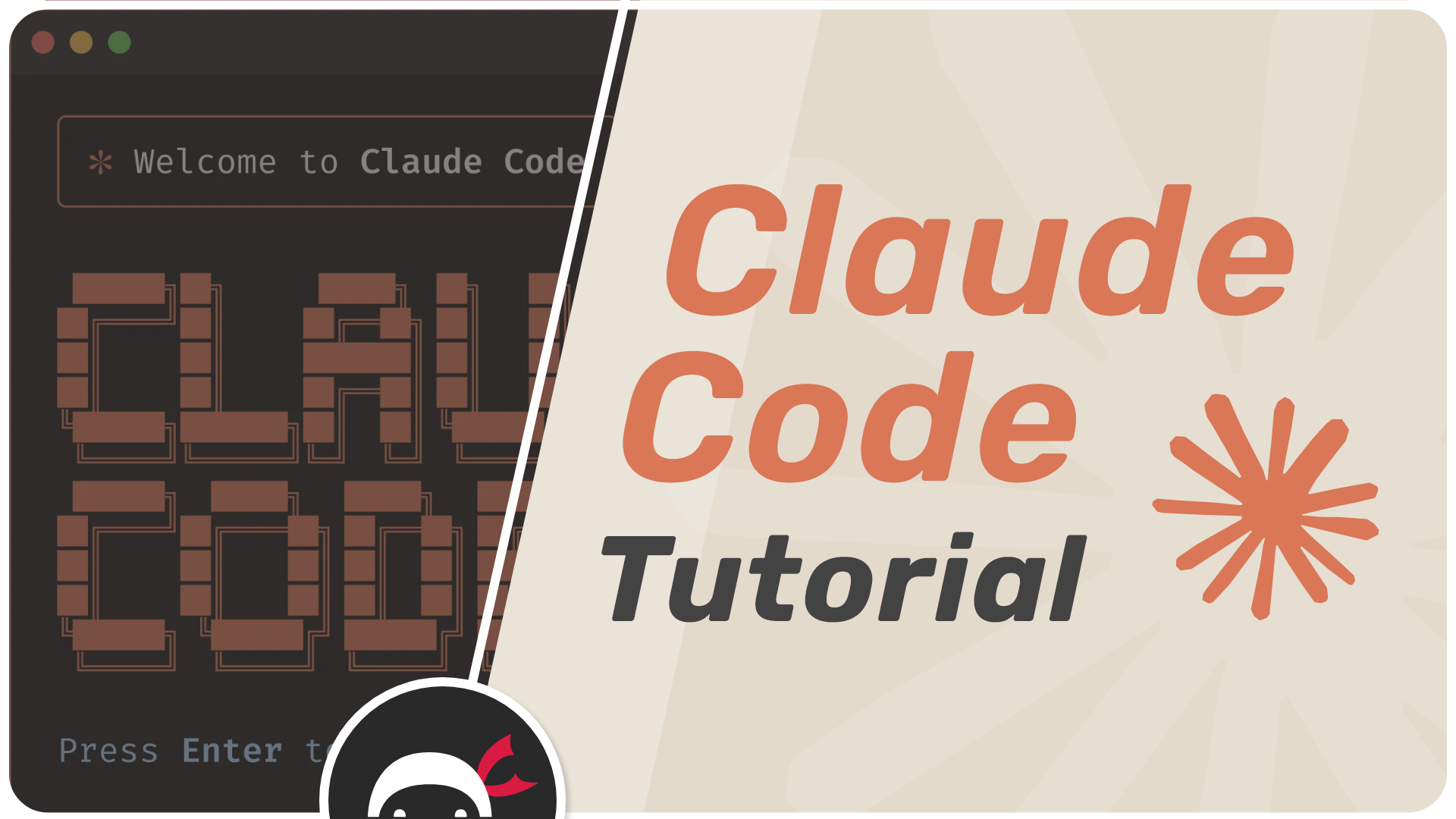
Claude Code Tutorial
Course Info
- Original course name: Claude Code Tutorial
- Instructor: Net Ninja (Shaun Pelling)
- Level: Beginner
- Duration: ~1 hour 43 minutes
- Course URL: Net Ninja Dev
- YouTube playlist: YouTube
- Chinese translation: Not yet available
- Why we recommend it: Created by the well-known tech educator Net Ninja, this hands-on tutorial series systematically covers Claude Code’s core features and practical techniques across 10 carefully crafted lessons — perfect for beginners who want to get up and running quickly.
Course Overview
Claude Code is an “agentic coding tool” developed by Anthropic that helps developers generate code, run tests, and handle GitHub issues. In this hands-on tutorial, you’ll learn how to effectively integrate Claude Code into your development workflow, mastering everything from basic setup to advanced features.
Produced by the experienced tech educator Net Ninja, the course uses a progressive, hands-on approach with real demonstrations to help you quickly master Claude Code’s core capabilities.
What You’ll Learn
Learn how to install and configure Claude Code, and master the use and initialization of CLAUDE.md files
🚀Setup & ConfigurationDeep dive into context management, tool permissions, plan mode, and extended thinking mode
🛠️Core FeaturesLearn to use MCP Servers, custom Slash Commands, and create specialized Subagents
🔌Advanced CapabilitiesSee how to apply Claude Code in realistic development scenarios with practical, hands-on examples
💡Real-World WorkflowsCourse Outline
Lesson 1: Introduction to Claude Code
Get acquainted with what Claude Code is, how it differs from other AI coding tools, and what you’ll build throughout this course.
Lesson 2: Installation & Setup
Step-by-step guide to installing Claude Code and configuring it for your development environment.
Lesson 3: CLAUDE.md Files
Learn how to create and use CLAUDE.md files to give Claude persistent context about your project, coding standards, and preferences.
Lesson 4: Context Management
Understand how Claude Code manages conversation context, when to clear it, and how to work effectively within context limits.
Lesson 5: Tool Permissions
Learn how tool permissions work, how to grant and revoke them, and how to keep your workflow safe and controlled.
Lesson 6: Plan Mode
Discover plan mode — how to have Claude lay out a plan before executing, giving you a chance to review and steer the approach.
Lesson 7: Extended Thinking
Explore extended thinking mode and when to use it for complex problems that benefit from deeper reasoning.
Lesson 8: MCP Servers
Learn how to connect Claude Code to external tools and services using the Model Context Protocol (MCP).
Lesson 9: Custom Slash Commands
Create your own slash commands to automate repetitive tasks and encode your team’s workflows.
Lesson 10: Subagents
Learn how to create specialized subagents that Claude can delegate tasks to, enabling powerful parallel and modular workflows.
About the Instructor
Net Ninja (Shaun Pelling) is one of the most popular programming educators on YouTube, known for clear, beginner-friendly tutorials across a wide range of web technologies. His teaching style emphasizes learning by doing with concise, focused lessons.
